
Summaries and tasks
What matters, at a glance: titles, summaries and tasks are generated automatically. Send tasks to Reminders, schedule a reminder, find anything with search.
Free: 5 AI summaries per week. Unlimited with Pro.
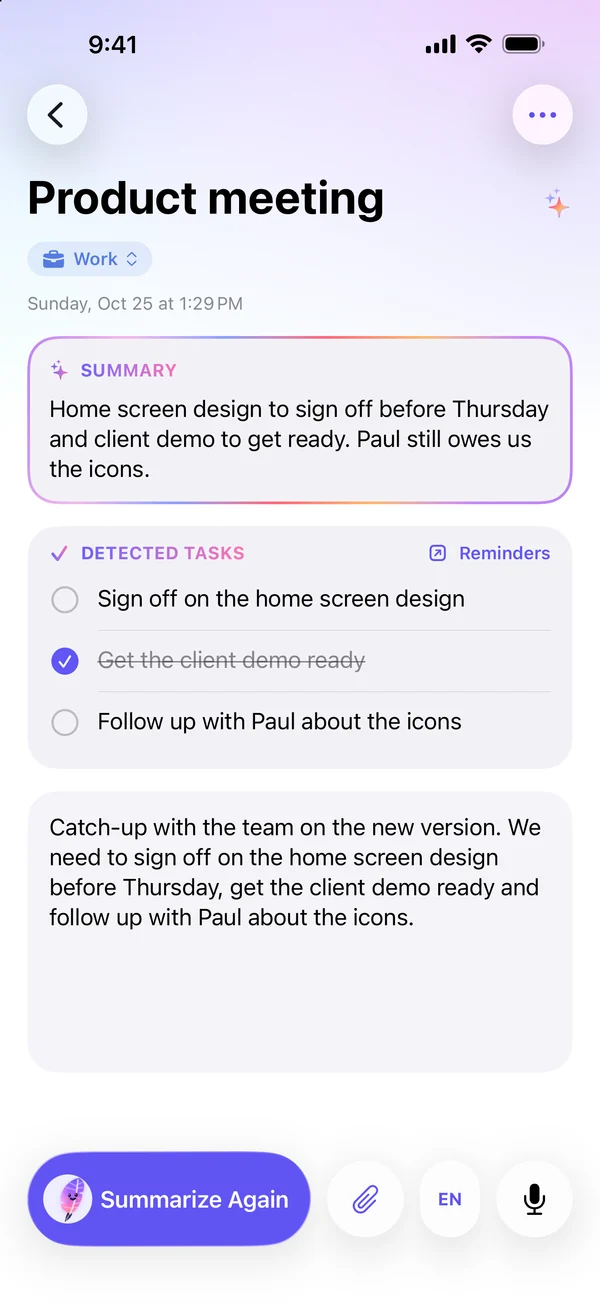
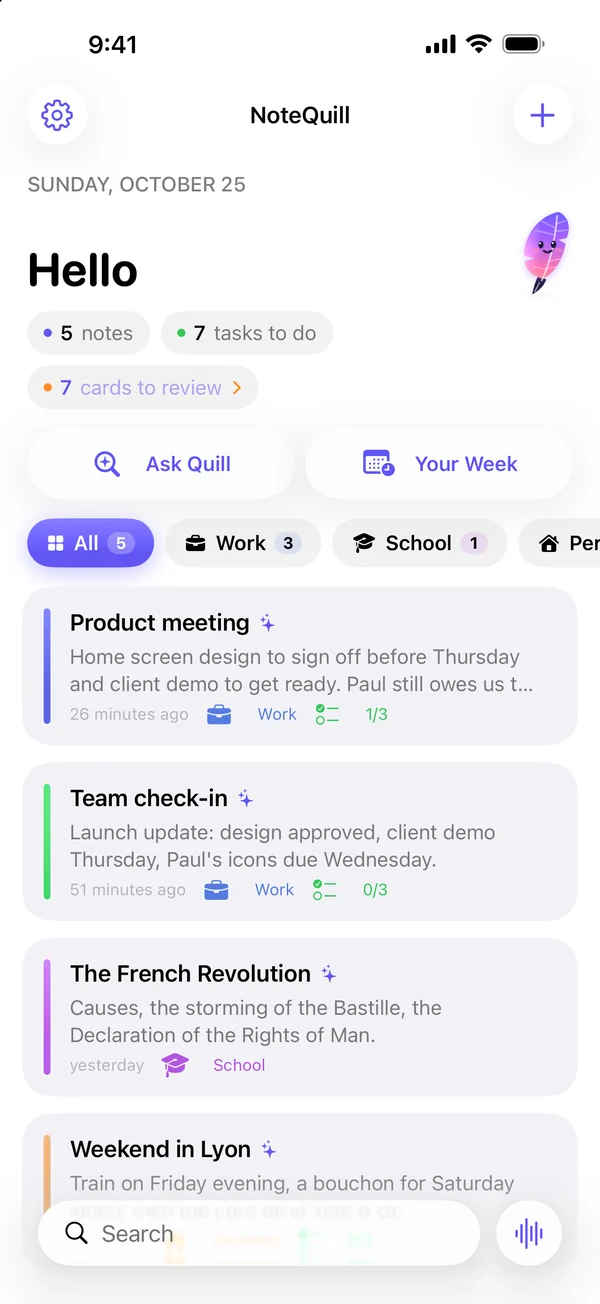
Dictate, import, transcribe: Quill summarizes every note, spots your tasks and prepares your study sessions. Powered by Apple Intelligence, right on your device.
Works with iOS 26. AI features: Apple Intelligence–compatible device.
Summary
Approve the home page mockup before Thursday and prepare the client demo. Paul to deliver the icons.
Detected tasks
A passing thought, a class, a meeting: everything becomes a clear note, summarized and sorted.
Dictation, voice memo, live meeting, PDF, audio, video, photo or Apple Pencil.
Title, summary and tasks generated on your device, with the note sorted into the right workspace.
Tasks in Reminders, minutes ready to send, flashcards to study.
What matters, at a glance: titles, summaries and tasks are generated automatically. Send tasks to Reminders, schedule a reminder, find anything with search.
Free: 5 AI summaries per week. Unlimited with Pro.
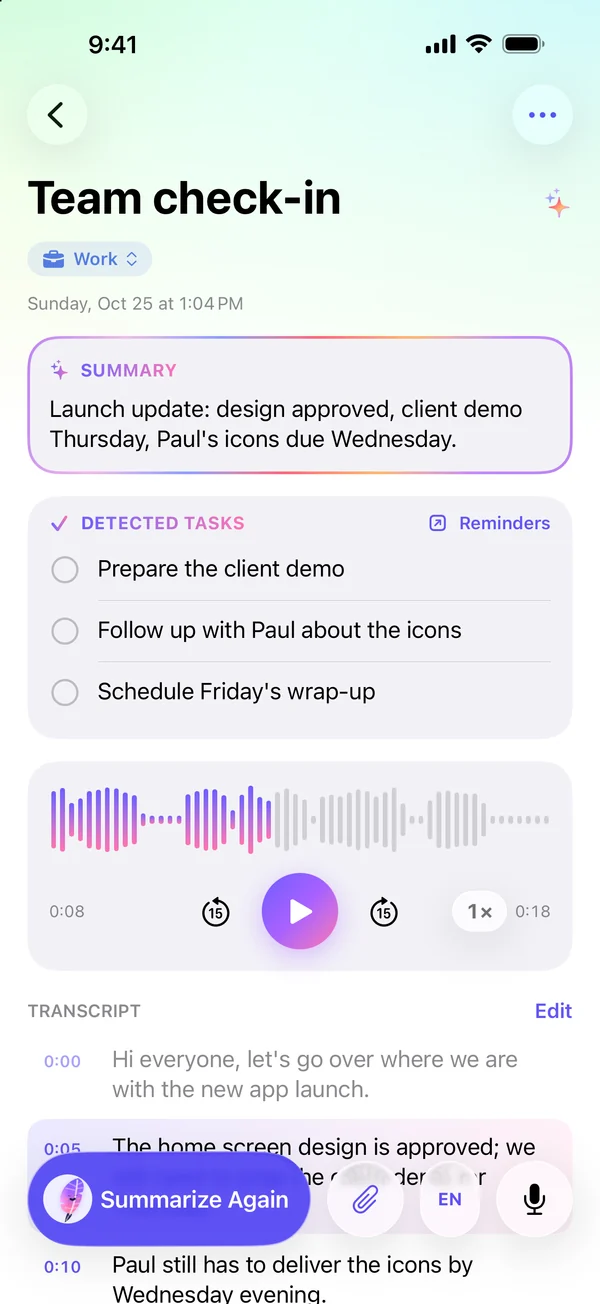
You talk, Quill writes. Dictation, voice memos, live meetings, imported audio and video: everything is transcribed, then summarized. Meeting minutes ready to send in one tap.
Free: 1 transcription trial (10 min). Unlimited with Pro.
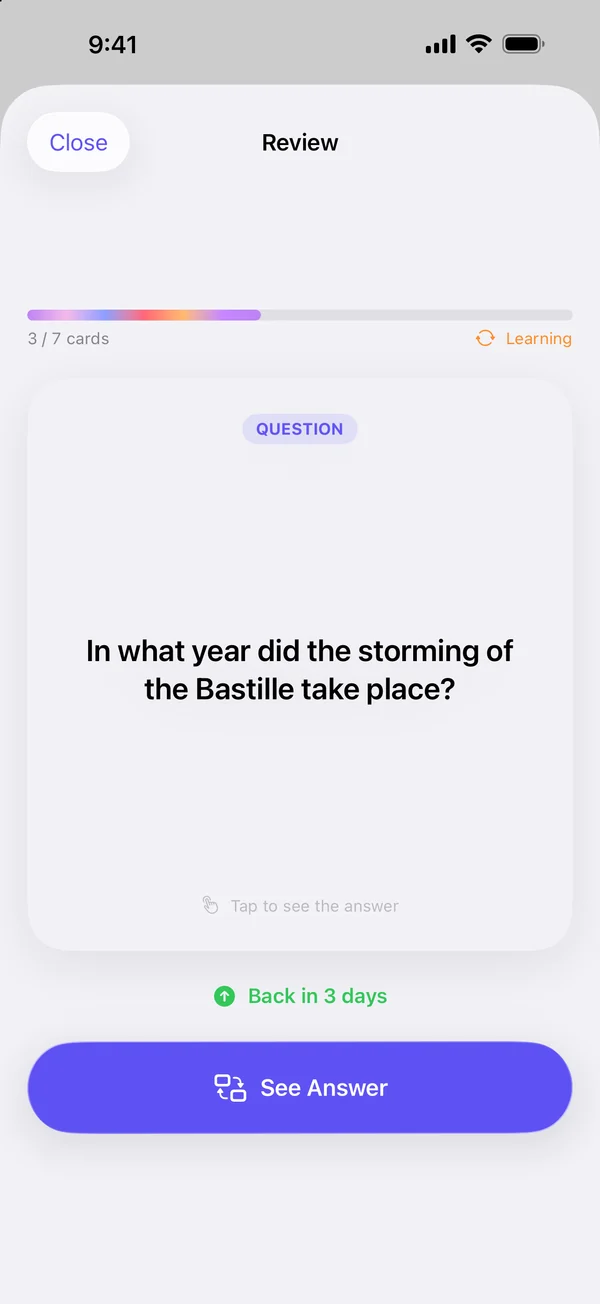
Study smarter with flashcards and quizzes built from your classes, a daily review and a streak to keep. You can even turn a note into a full course.
Free: flashcards for 1 note. Unlimited with Pro.
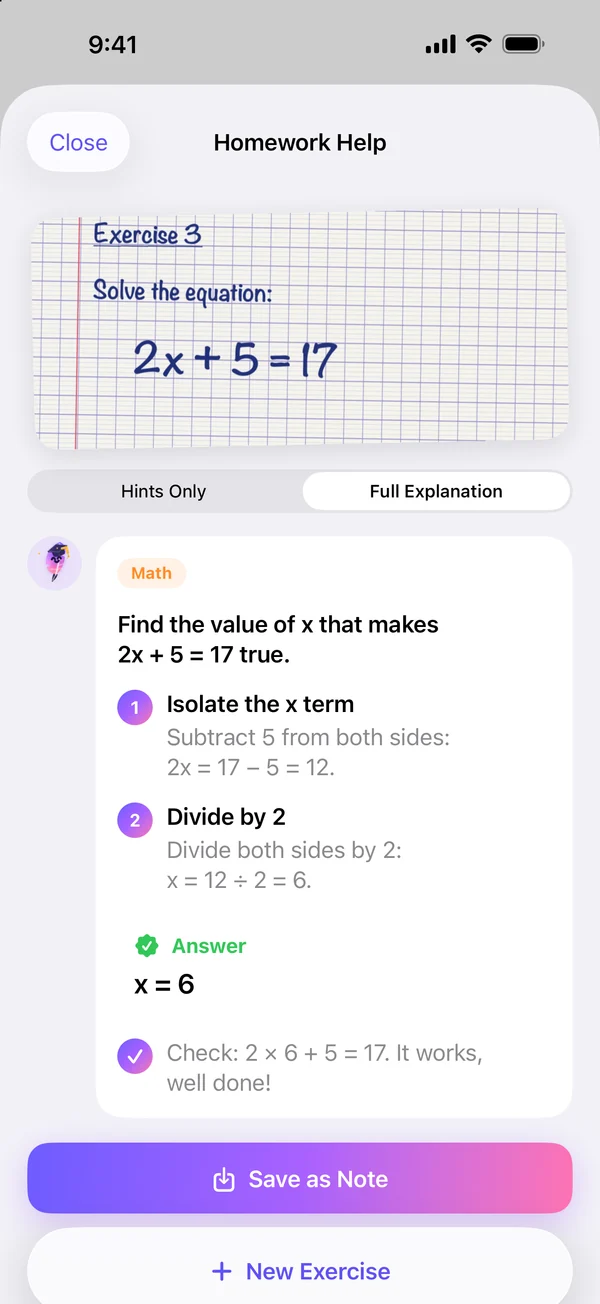
A private tutor in your pocket. Snap a photo of the exercise: Quill gives hints or explains step by step, whichever you prefer.
Unlimited with NoteQuill Pro.
Ask a question and Quill answers from all your notes.
What does Paul need to deliver?
The icons, before Wednesday evening.
Dictate from the Home Screen, the Action button or Siri, with a Live Activity.
Record a memo on your wrist, transcribed on your iPhone.
Write with Apple Pencil, Quill turns it into text.
Work, school, personal: every note finds its place.
Rewrite, translate, turn a note into an email or meeting minutes.
French, English, German, Spanish, Italian, Japanese, Korean, Portuguese (Brazil) and Simplified Chinese.
Every Sunday, your numbers and the highlights of your week.
Powered by Apple Intelligence. No account, no notes on our servers.
Summaries, tasks and transcriptions are produced by the AI model built into your Apple device.
Summaries, tasks and titles are generated locally, even without a connection.
Lock the notes that are yours alone: they’re hidden from widgets and search.
Sync only through your private iCloud, which we can’t access. No account to create.
Download NoteQuill for free, no account needed. Go Pro whenever you want to remove every limit.
To try NoteQuill
Monthly, yearly or lifetime
Every limit removed:
Available in the app
Prices are shown in the app, based on your country. AI features require an Apple Intelligence–compatible device.

Free on the App Store for iPhone and iPad. No account, with the AI on your device.
Download on the App Store (opens in a new tab)Works with iOS 26. AI features: Apple Intelligence–compatible device.